

Three updates to how you protect and move your data, all live now in the client area.
DRaaS per VM, no separate account
You can now turn disaster recovery protection on or off for each virtual machine. DRaaS storage used to require a separate account. That requirement is gone.
Open a VM, go to DRaaS Storage, pick a protection policy, and turn it on. The page shows the price change before you commit. Choose local recovery points for fast restores, or add a remote copy for true disaster recovery.
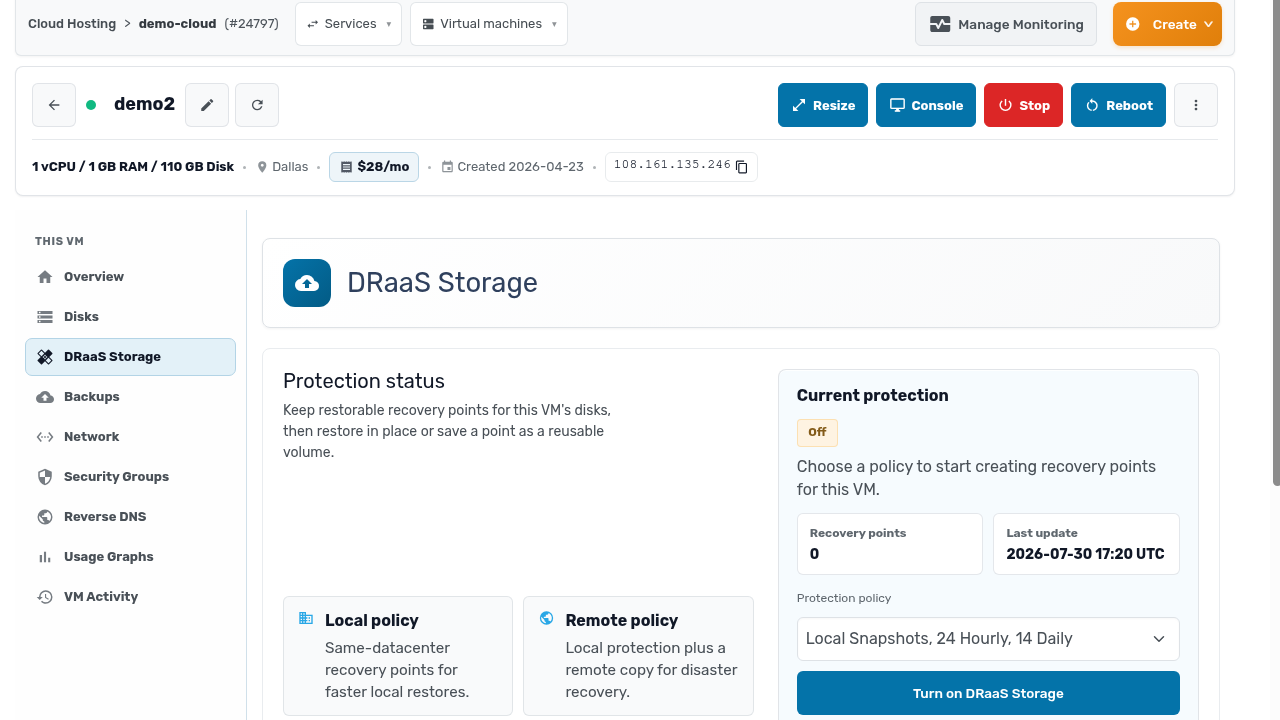
Protect one critical workload or a whole fleet. The choice is per machine now, not per account.
Volumes you can take anywhere
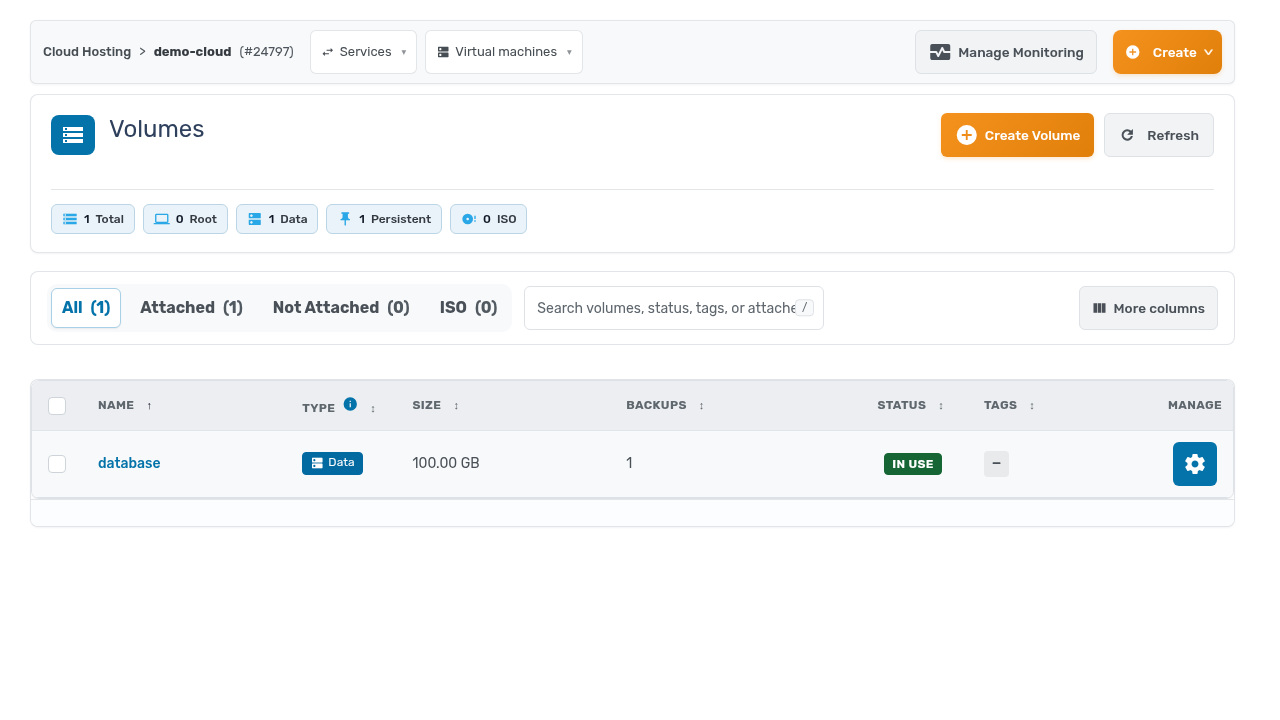
A disk no longer belongs to the VM it started on. You can create, rename, clone, and move volumes between VMs, and save disks and backups as reusable volumes.
Build a base disk once and clone it for every new deployment. Detach a data volume from a retired VM and attach it to its replacement. Turn last week’s backup into a live disk on a fresh machine.
Backups when you want them
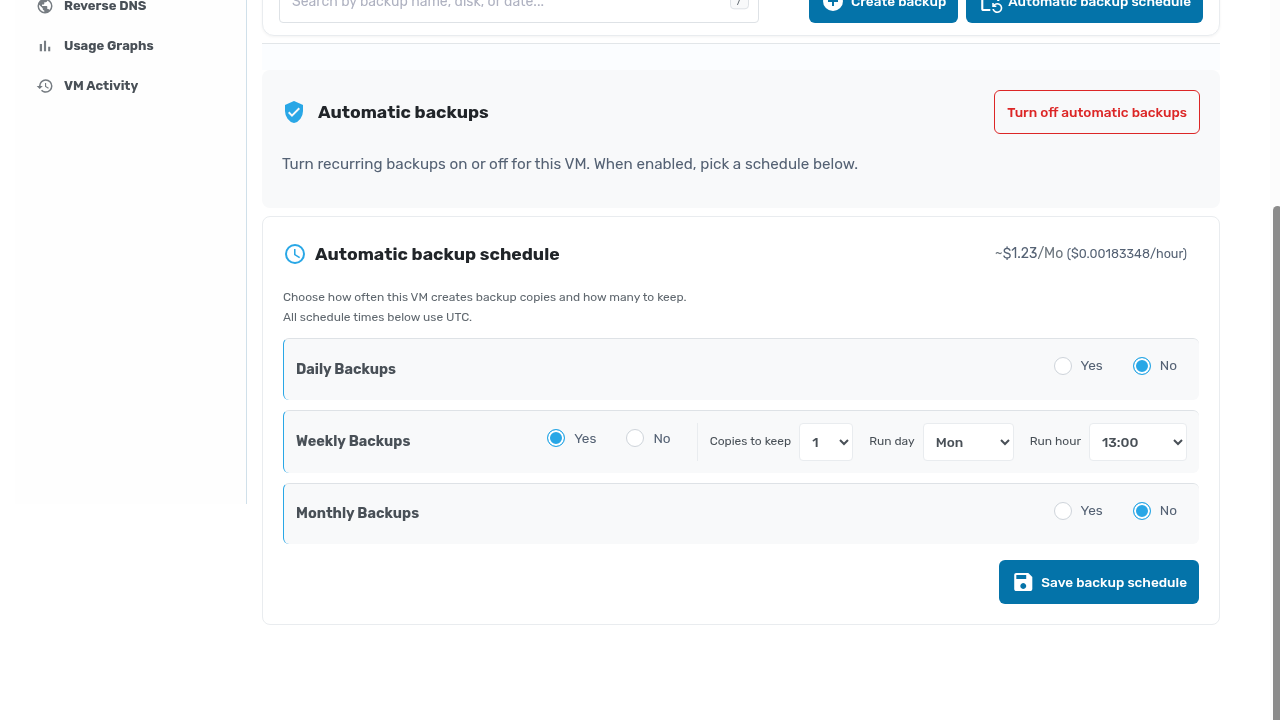
Backup schedules now let you pick the exact hour and day of the week they run. Point them at your maintenance window, or at whatever hour your traffic is quietest, and set how many copies to keep. Backups become predictable instead of approximate.
Together these close the gap between how recovery should work and how it used to. Protection you scope per VM. Disks that follow your workloads. Backups that run when you decide.
