

Two web servers behind a load balancer look redundant on a diagram. But if both VMs happen to land on the same physical host, one hardware fault takes out both, and you usually find that out during the outage. HA Groups fix this. Put VMs that back each other up in a group, and each one runs on a different host.
What an HA group does
An HA group is a placement rule. Its VMs never share a host, so one host failure takes down at most one of them. Use it for anything you built to survive losing a machine: a primary database and its replica, a pair of web servers, two DNS resolvers, a keepalived pair.
There isn’t much to it. A group is a name and a list of VMs, and a VM can only be in one group at a time.
Set one up
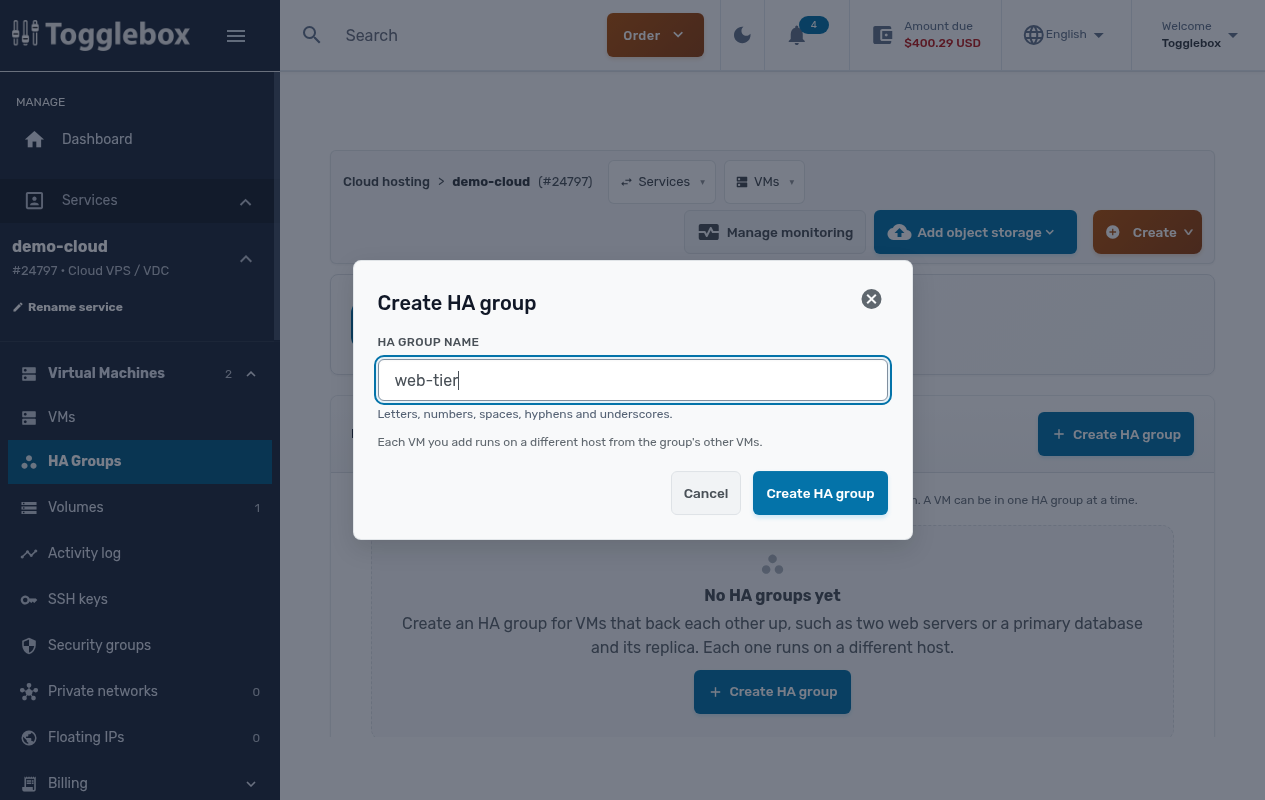
Open your Cloud VPS service in the client area and choose HA Groups under Virtual Machines. Click Create HA group and name it after the tier it protects, like web-tier or db-cluster.
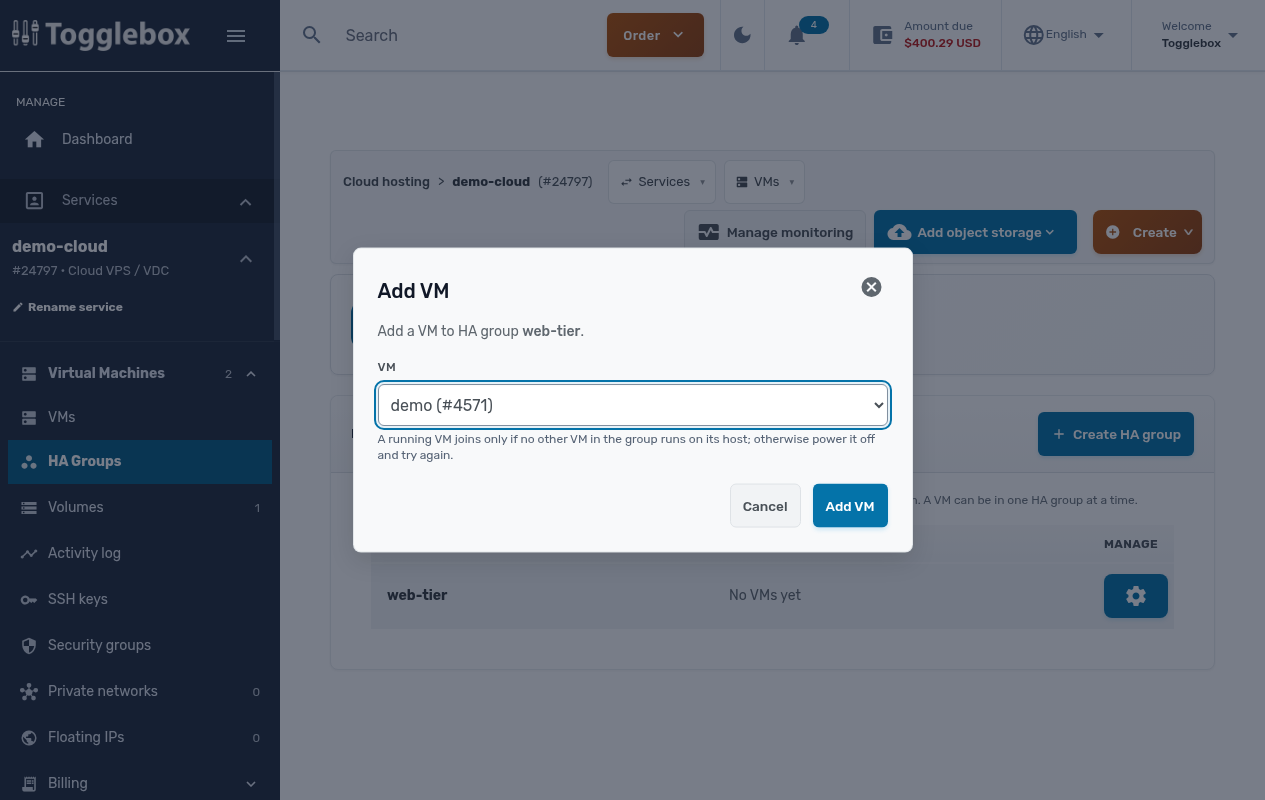
Then open the group’s gear menu, choose Add VM, and pick a VM. Do that once for each server in the tier.
Move, remove, or delete
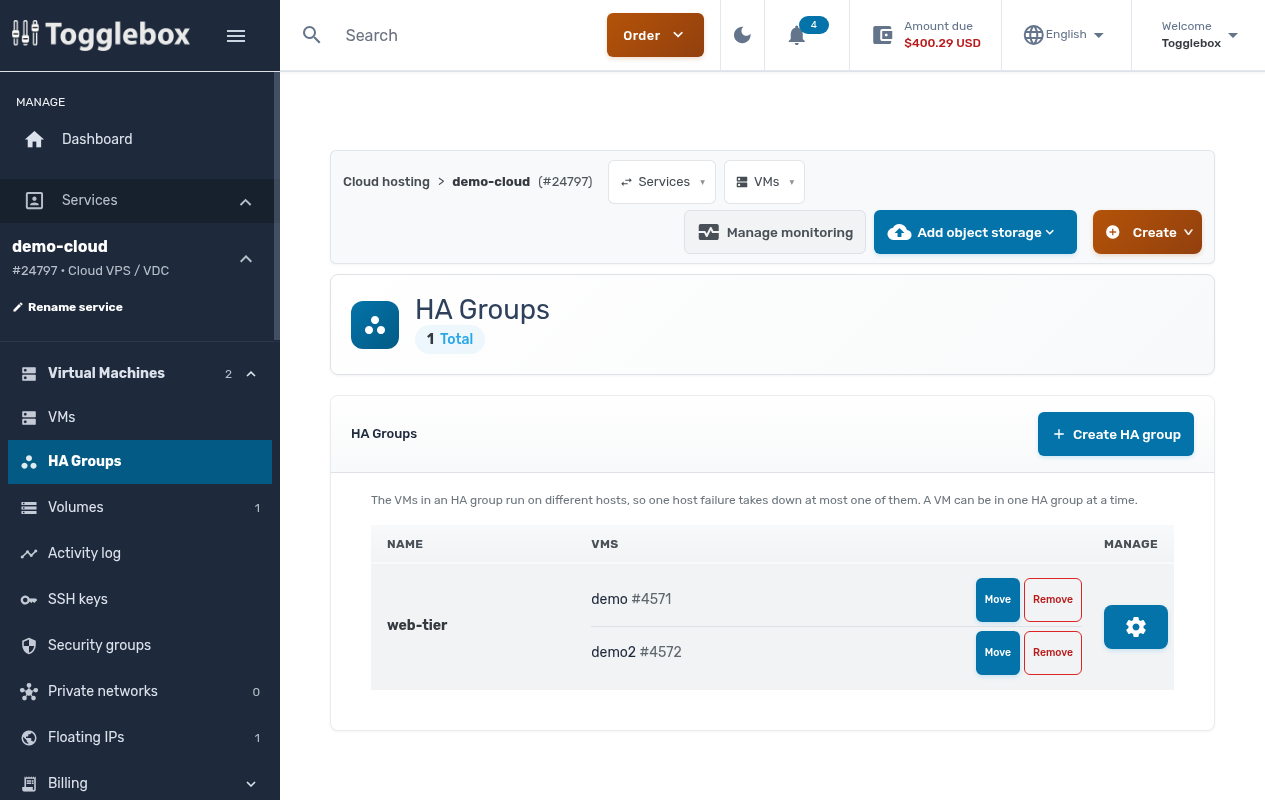
The HA Groups page lists every group and its members. Move puts a VM in a different group. Remove takes it out of its group and leaves the VM alone. To delete a group, remove its VMs first.
Pair it with a floating IP
Separate hardware is half of failover. The other half is an address that follows whichever VM is healthy. For that, attach a floating IP to the group’s VMs and let keepalived pick which one answers.
HA Groups are live now on every Cloud VPS, under Virtual Machines in the client area.
